ANDROID APP
Last updated: November 2, 2026
01 · What the app is
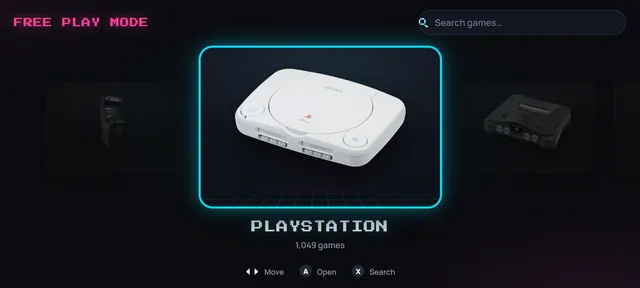
The Free Play Mode app takes the whole catalogue to your phone: the same classic console and arcade games as the website, with a menu made for the touchscreen, your favourites and the games you played last always at hand, and the catalogue saved on the phone so it opens quickly. Games run exactly as on the web; the app only wraps them.
02 · Download
The app is not on Google Play: you download it straight from this site, as a file with the .apk extension. Every new version of the app is found and installed by the app itself, so you only download it once.
03 · How to install it
- Tap the button above. Your browser may warn that this type of file can harm your device: that is the standard warning for any APK, and you can keep it.
- Open the downloaded file. The first time, Android asks you to allow your browser to install apps from this source: switch on that permission and go back.
- If Google Play Protect shows a notice for an app it does not recognise, choose Install anyway: the app is not on the store, so Play Protect has never seen it.
- Tap Install, then Open. You can switch the permission back off in your Android settings once you are done.
04 · Requirements
- Android 7.0 or newer.
- Free space on your phone for the app and for what the games you play need.
- An internet connection to load the games.
05 · Your data
The app does not ask for an account or for personal data. What it stores on your phone and what it sends to the server is explained in section 08 of our privacy policy.